TRADING SIMULATOR SIMULATED PRACTICE
VWAP PRO / PRACTICE

Practice the setups.

Read the price action, plan your trade, and practice the setups on an interactive chart.

01 / VWAP REJECTION A VWAP rejection chart from the simulator

VWAP Rejection

Practice reading the trend, pullback, and reaction at VWAP.

What to look for

  • Buyers or sellers are clearly in control.
  • Price pulls back toward VWAP, ideally with momentum weakening.
  • Watch for the side in control to react at the level.
How to enter

Look for a buy or sell near VWAP in the direction of control. Watch the reaction as the trade develops.
Open simulator
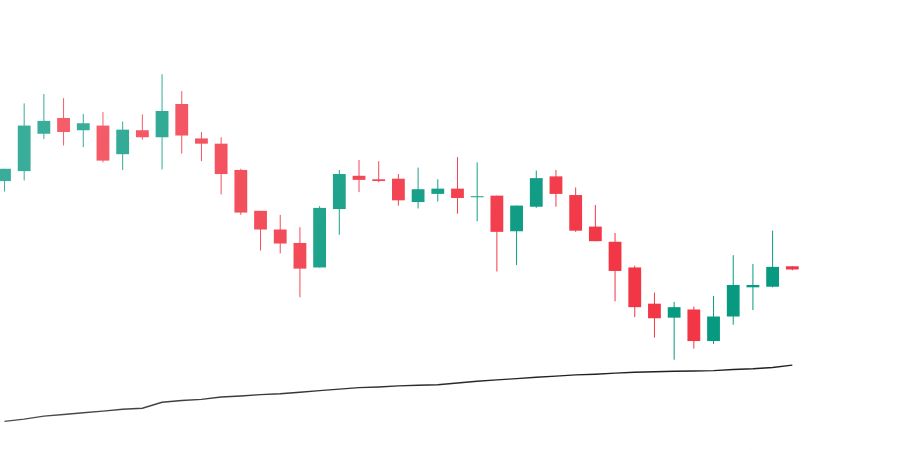
02 / VWAP REVERSAL A VWAP reversal chart from the simulator

VWAP Reversal

Practice watching for a shift in momentum after an extended move.

What to look for

  • Price is extended a significant distance from VWAP.
  • The move begins to lose momentum or make less progress.
  • Watch for an initial reaction in the opposite direction.
How to enter

Look for a sell when price is extended above VWAP, or a buy when extended below. Watch for momentum to shift.

Open simulator
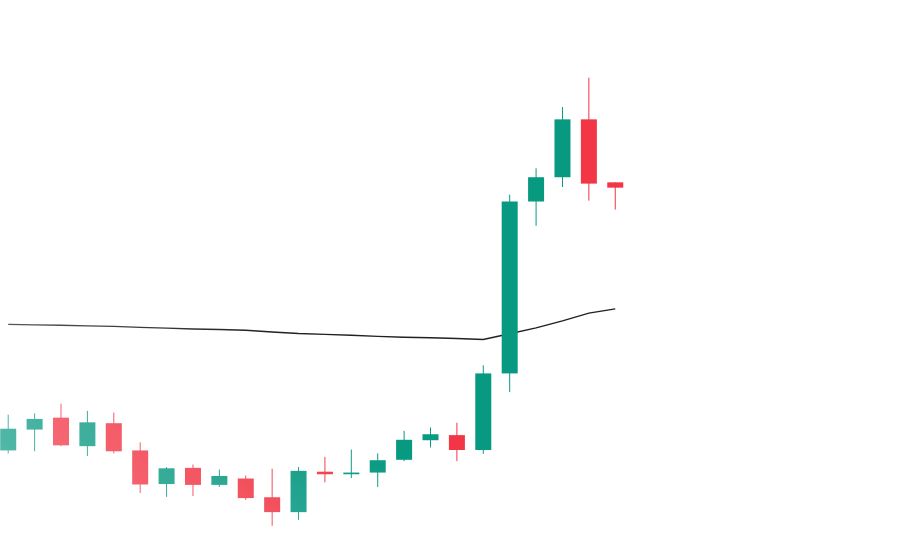
03 / VWAP BREAKOUT A VWAP breakout chart from the simulator

VWAP Breakout

Practice watching buyers or sellers push through VWAP.

What to look for

  • Price approaches VWAP from above or below.
  • Buyers or sellers make a strong move through VWAP.
  • Watch for momentum and price holding on the other side.
How to enter

Look for a buy or sell as price pushes through VWAP. Watch the reaction and manage your risk as the trade develops.

Open simulator
How to practiceChoose a setup and use the arrows to explore examples. Press BUY or SELL to enter a simulated trade, then adjust your stop and target and manage the trade as the chart plays.